WEB-Setup
Press the touch button for more than 10 seconds. This will activate WEB Setup,

Connect to steaditally.
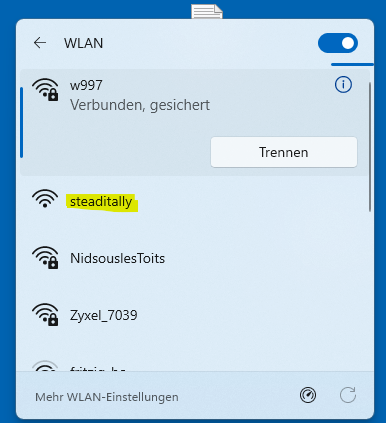
Then open any browser on the device you used to connect to steaditally and enter 192.168.4.1 as the address.
This interface will then appear
Standard Menu
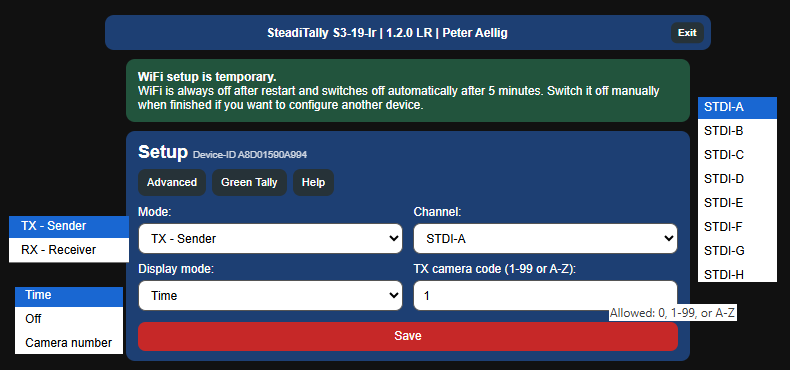
Advanced Menu
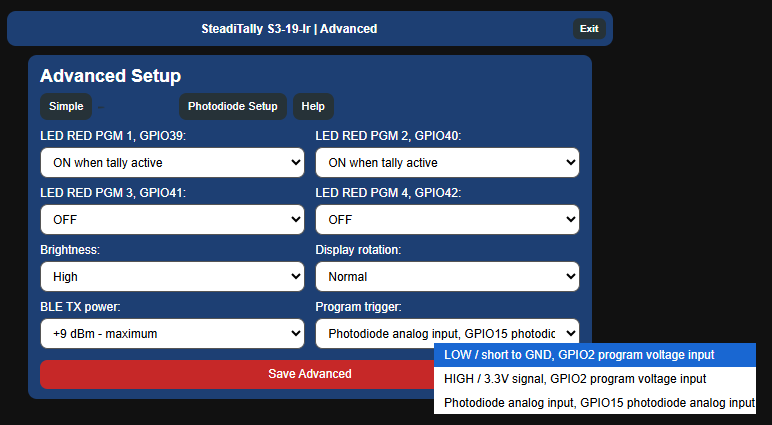
The functions of the other selection fields are self-explanatory
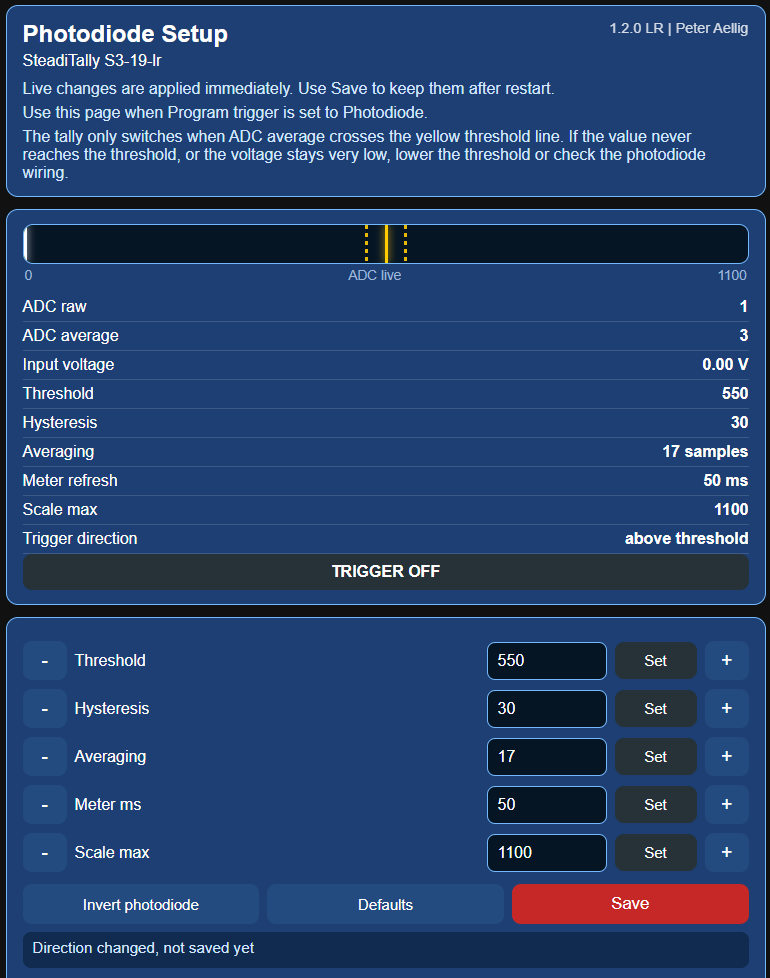
Photodiode Setup
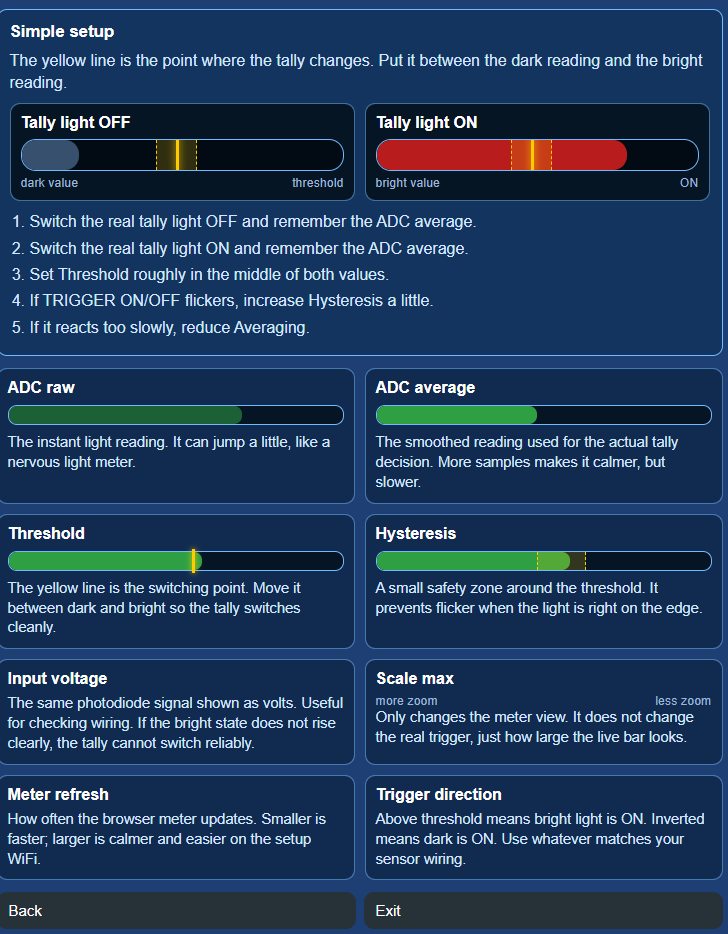
The Photodiode Menu includes a detailed explanation of the individual settings below.
A standard photodiode, the LTR301, can be connected directly to the pins. One is included with the device, along with a cable approximately 1.5 m long.